
Plan the story first
The conversation asks about your audience, goal, and emphasis before it turns the idea into a slide plan.
AI slide generator
Start with a topic, plan the story with AI, review the outline, and generate full-slide previews without leaving the page.
The conversation asks about your audience, goal, and emphasis before it turns the idea into a slide plan.
Review the slide-by-slide outline in the conversation and request changes before any slide images are generated.
Watch 16:9 slide previews arrive in the same workspace, with progress and thumbnails visible as the deck renders.
An AI slide generator is most useful when it helps with the story, not only the decoration. EditablePPT starts with a topic or a detailed prompt and opens a planning conversation. The AI asks about the audience, purpose, tone, and key points so the resulting deck has a reason to exist before it has a visual style. When the direction is clear, the conversation produces a structured outline that you can inspect and revise.
After you confirm the outline, EditablePPT renders each page as a complete 16:9 visual preview. The outline, chat, progress state, thumbnails, and finished slides stay together, which makes it easy to catch a weak transition or missing argument while the deck is still being built. Sign in to keep the deck linked to your account and pay a clear credit total based on the selected slide count.
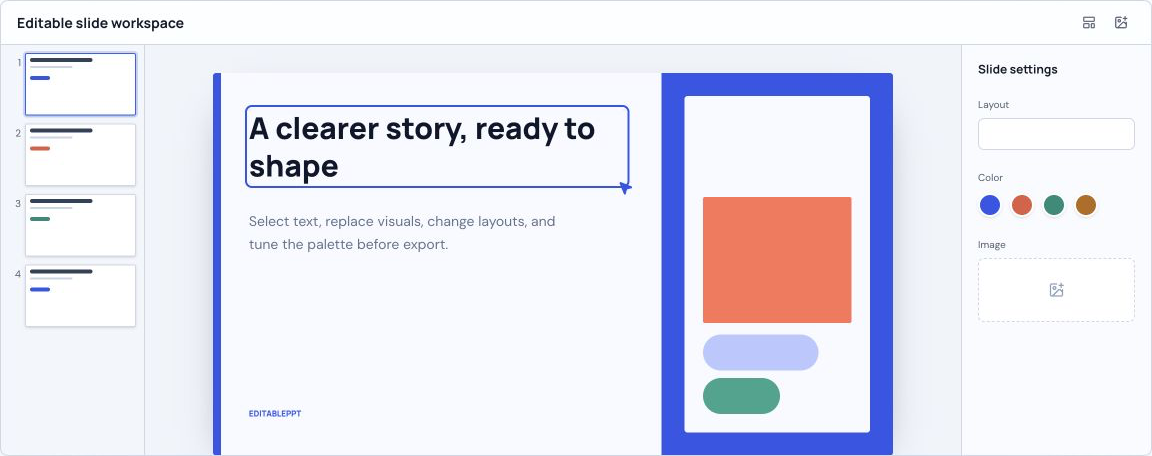
After reviewing the generated outline and previews, open the editor to rebuild the outline as editable text in a simple layout. Adjust the text, add or move elements, and download a PPTX. The editable layout is separate from the generated visual preview and does not reproduce its design.
Enter a topic, audience, goal, or outline. More context gives the planning conversation a better starting point.
Answer the planning questions and ask for an outline. Keep refining it until the narrative is right.
Confirm the outline and let the generator render the deck page by page in the same workspace.
It creates an outline and slide previews from a topic. The editor can rebuild the outline as editable text and export PPTX using a simple layout.
Yes. Sign in before generating so the displayed credit cost can be charged to your balance and the deck remains associated with your account.
Revise the outline, then open the editor to build editable text slides. The editable deck uses a simple layout; it does not reproduce the generated visual preview.