
Turn AI slide images into editable PowerPoint
Text, photos, icons, cards and background come apart into five layers you can edit, then download as PPTX.

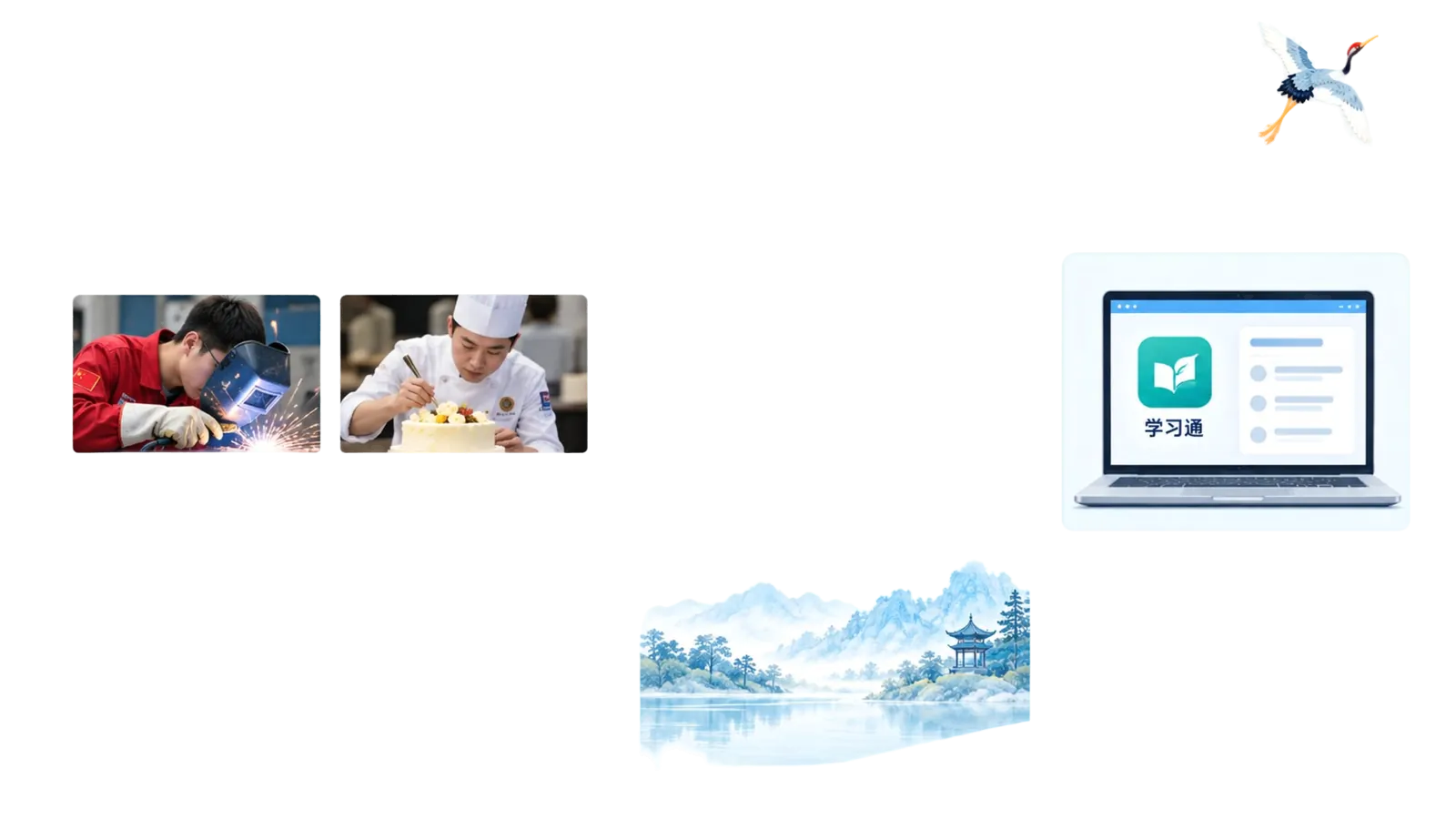
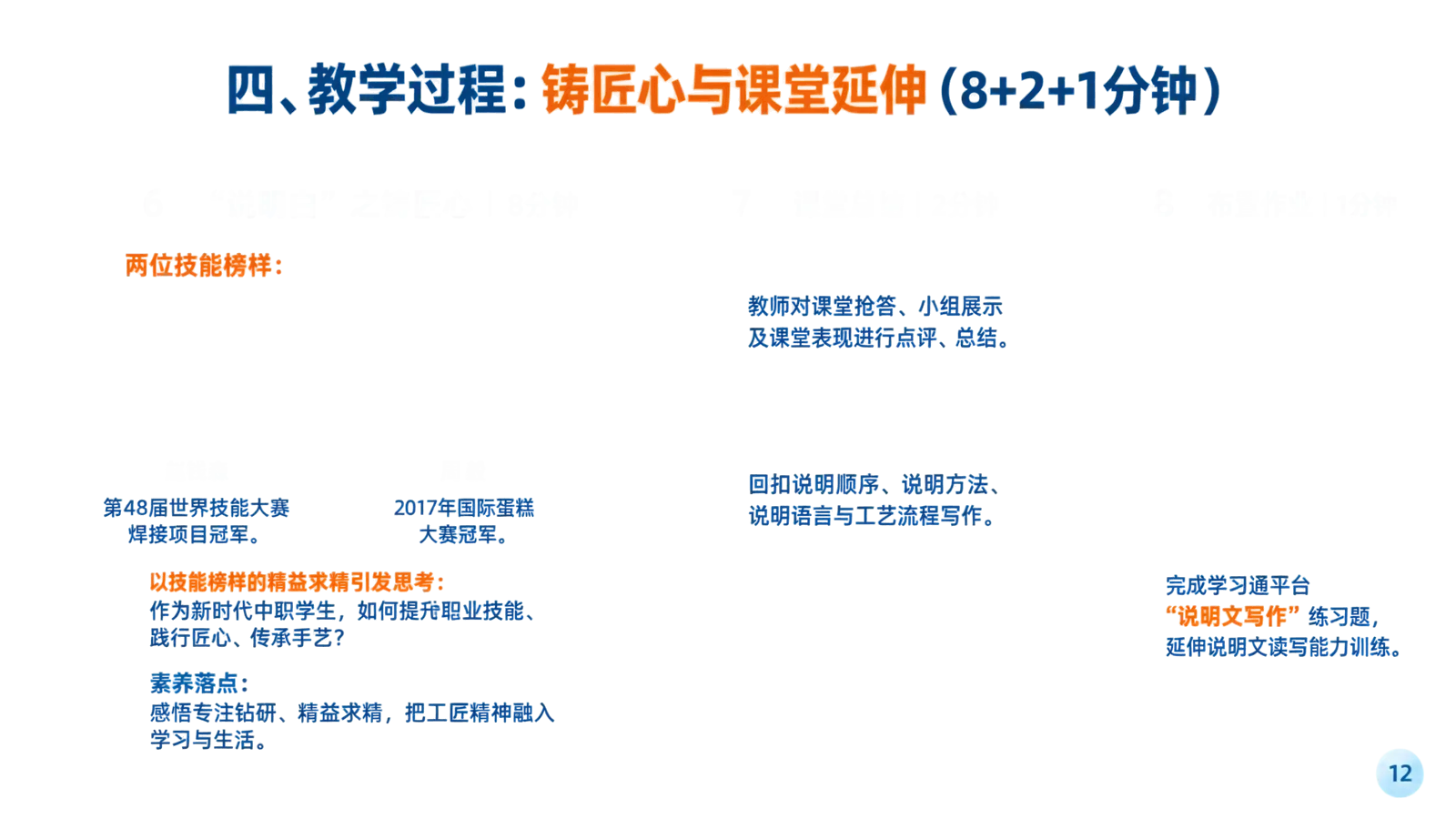
Layers
Examples

Upload a PNG or JPG slide and get it back as separate layers: text, photos and illustrations, icons and decorations, cards and buttons, and background. Rotate the layers in 3D to see what was split, compare the flat result with the original, then edit and download a PPTX. PDFs, PPTX files and notes have their own converters in the menu above. Check text, fonts and complex graphics before you present.
Input and output formats
| Input | Output | What you can edit |
|---|---|---|
| PNG, JPG / JPEG | Editable PPTX or image slide | Separate recovered layers, or one image object. |
| Editable PPTX | Recovered text and image layers; up to 20 pages and 100 MB. | |
| PPTX or pasted notes | Editable PPTX | Text and embedded images in a new layout. |
| PDF, PPTX or pasted text | Study notes: Word or PDF | Edit notes, download Word, or print to PDF. |
How to convert your source
- 1
Upload a slide image
Drop, choose or paste a PNG or JPG, such as a slide generated by an AI tool.
- 2
Check the layers
Turn the layers in 3D, hide the ones you do not need, and edit text in place.
- 3
Download your PPTX
Save the editable PowerPoint and keep working in PowerPoint, Keynote or Google Slides.
Frequently asked questions
Can I download an editable .pptx file?
Yes. PDF and image conversion recover text and image layers for editing and PPTX download. Slides and pasted notes are rebuilt in a simple editable layout. The image-slide mode places the original image on a slide as one object.
Is conversion free, and how is it priced?
AI layer conversion costs 40 credits per image or PDF page (80 in High Quality mode). Image-slide mode and local PPTX rebuilding are free. AI conversion requires sign-in and is subject to availability and rate limits.
Which input formats are supported?
PDF, PNG, JPG/JPEG, PPTX, and pasted text are supported in their respective workflows. Choose the source type before uploading. Password-protected PDFs and legacy .ppt files are not supported.
Can I edit text, layouts, and individual elements?
Recognized text becomes editable text. Extracted image layers can be moved and resized, but text inside a remaining image is not editable. Tables, charts, fonts, and complex graphics may need manual adjustment; native chart or table reconstruction is not guaranteed.
How does this compare with rebuilding slides manually?
Conversion gives you a starting point from your existing material. Review text recognition, reading order, and layout before presenting. Manual rebuilding gives you more control over precise typography, charts, and complex layouts.
How do I convert an image to an editable PPT?
Upload a PNG or JPG slide image, such as one generated by ChatGPT or Gemini, and choose editable layers. EditablePPT turns recognized text into editable text boxes and separates photos, icons, cards and the background into layers you can move, resize or replace, then you download a .pptx for PowerPoint, Keynote or Google Slides. Image-slide mode instead keeps the original picture as one object, so text inside it cannot be edited.
Can I turn slides into notes as well?
Yes. Open Slides & Notes and choose Create notes from slides. Upload PDF or PPTX slides, or paste text, then generate and edit notes. Export Word or use the browser print dialog to save a PDF.
Do I need an account?
Sign in for PDF and image layer conversion and AI notes generation. Creating a basic PPTX from pasted notes or extracted slide content, and placing an image on a slide, work locally without an account.