
Start with the outcome
Describe the audience, purpose, and key message so the deck is shaped around a real communication goal.
AI PPT generator
Turn a topic, brief, or rough idea into a thoughtful presentation draft through an AI planning conversation and confirmed slide outline.
Describe the audience, purpose, and key message so the deck is shaped around a real communication goal.
Discuss the structure with AI and approve the outline before the generator spends time creating slide visuals.
See the outline, progress, thumbnails, and completed 16:9 slide previews together while the draft is being built.
An AI PPT generator should do more than place a few sentences on attractive backgrounds. A useful presentation has a purpose, an audience, and a sequence that helps people understand what matters. EditablePPT starts with that context. Enter a topic, a meeting brief, a lesson idea, a product update, or a pitch, then talk through the intended outcome with AI. The planning conversation surfaces missing assumptions and turns a broad request into a slide-by-slide outline. You can read that outline before any visual rendering starts, which gives you a practical checkpoint between an idea and a finished-looking draft.
Once the direction is approved, the generator creates a complete visual draft one slide at a time. The 16:9 previews, outline, status, and thumbnails remain in the same workspace, so you can judge pacing and hierarchy instead of reviewing a text-only answer. This is useful when you need to compare a few possible stories quickly: a founder can test an investor narrative, a marketer can shape a campaign review, a teacher can map a lesson, and a consultant can organize a recommendation. The workflow stays visible from the first prompt through the last rendered page, without sending you to a separate document or hidden result link.
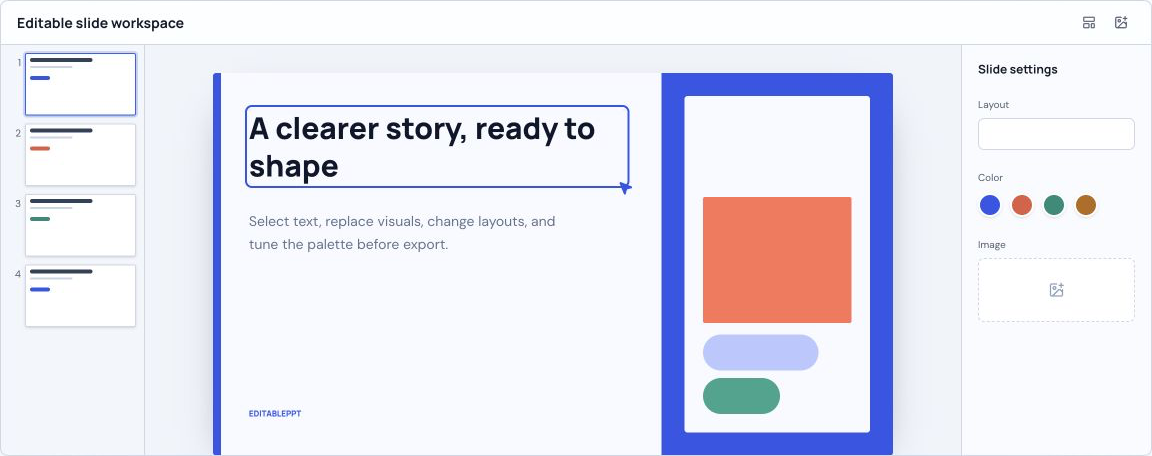
After reviewing the generated outline and previews, open the editor to rebuild the outline as editable text in a simple layout. Adjust the text, add or move elements, and download a PPTX. The editable layout is separate from the generated visual preview and does not reproduce its design.
Enter the topic and add the audience, objective, tone, or source outline that should guide the deck.
Answer focused questions, request changes, and confirm the slide structure when the story is ready.
After confirmation, let the generator render complete slide previews and review the deck as it arrives.
You can create a structured outline and full-slide visual draft from a topic, brief, or detailed prompt. The current release is for planning and previewing presentations.
Yes. The planning conversation produces an outline first. Slide previews start only after you confirm that the structure is ready.
Open the editor to rebuild the outline as editable text and download PPTX. The editor uses a simple layout and does not reproduce the generated slide preview.