
Preserve the hierarchy
Keep sections, supporting ideas, and evidence connected instead of flattening every bullet into an equal slide.
Convert outline to slides
Turn headings and bullet points into a presentation plan that gives every slide a purpose, a transition, and an appropriate amount of content.
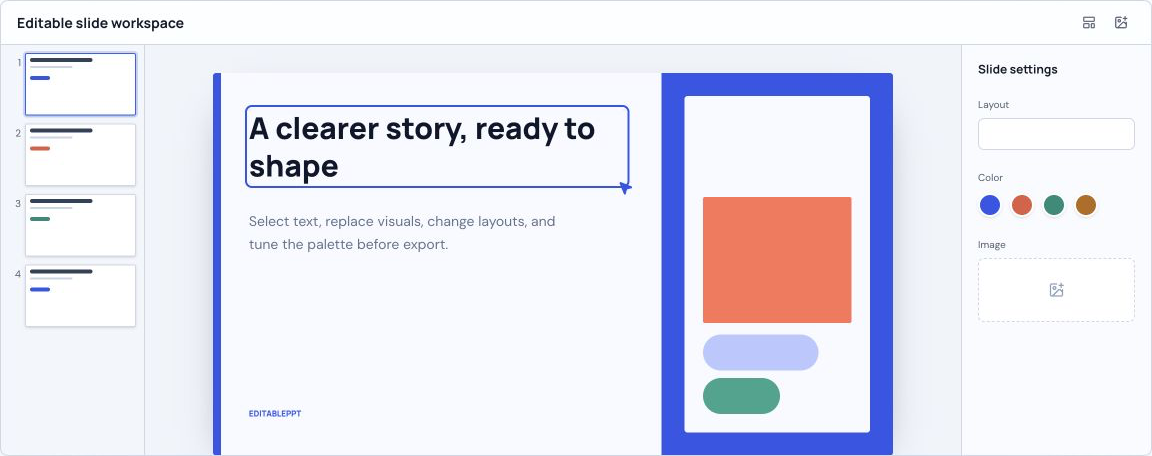
Keep sections, supporting ideas, and evidence connected instead of flattening every bullet into an equal slide.
Split overloaded sections and combine thin ones so the deck feels paced rather than mechanically generated.
Make the movement from context to evidence and conclusion explicit before visual production starts.
Converting an outline to slides is not a one-heading-per-page exercise. A useful deck must decide what the audience should understand at each moment, which claims need support, and where a visual example is more effective than another list of bullets. The best workflow treats the outline as source structure, not a finished screenplay.
Paste your outline into the generator on this page, or attach the Word, Markdown, or text file it lives in. The planning chat maps sections to a slide sequence, points out gaps and overloaded topics, and lets you reorder or split slides before anything is rendered. Once you confirm the plan, each slide is generated as a 16:9 preview, and the editor rebuilds the outline as editable text you can download as a PPTX.
Paste the outline or attach the file, and add the audience and the goal of the talk.
Review the slide-by-slide plan with AI: split dense sections, merge thin ones, and add transitions.
Confirm the plan to render slide previews, then edit the text version and download a PPTX.
Yes. Paste the headings and bullet points, or attach the .docx file in the generator. The planning chat keeps your structure as the starting point.
Not necessarily. Strong conversion should split dense topics, combine weak fragments, and preserve the intended hierarchy rather than enforcing a mechanical one-to-one mapping.